
Follow progress
Open Submissions. Each submission shows its title, its kind, the event, its tracking code and its status. Press the title to open it. Press the status to see its progress.
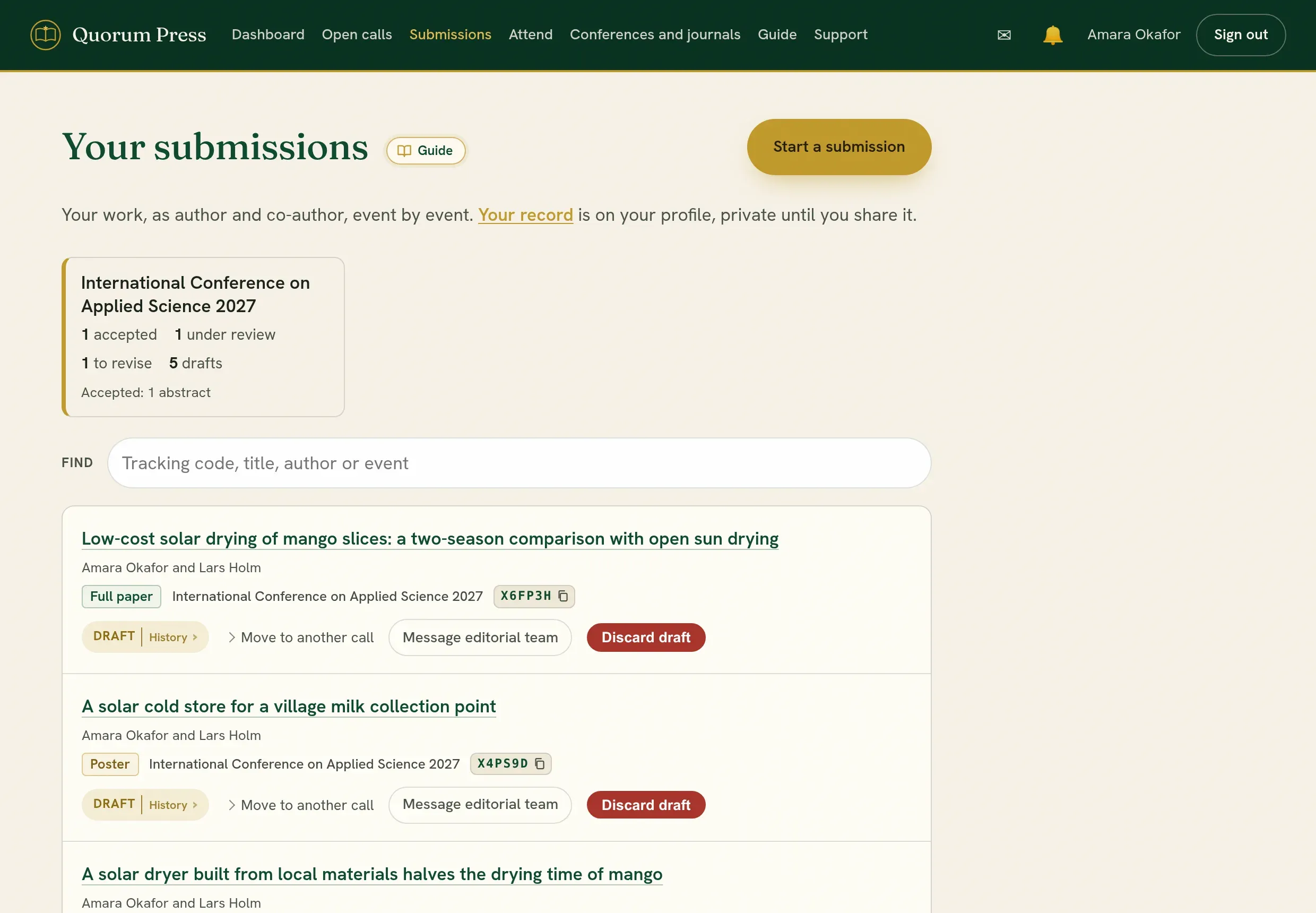
What each status means
Section titled “What each status means”| Status | What it means | What you do |
|---|---|---|
| Draft | Not sent. Only the authors see it. | Finish it and submit. |
| Submitted | Received. The editors have not started review yet. | Wait. |
| Under review | Reviewers are reading it. | Wait. |
| Revision requested | The editors ask for changes. | Revise and resubmit. |
| Accepted | The editors accepted it. | After acceptance. |
| Rejected | The editors did not accept it. | Read the reviews. You may submit elsewhere. |
| Withdrawn | You took it back. | Nothing, or discard it. |
| Published | Public and open access. | Share and cite it. |
The progress list
Section titled “The progress list”Each submission has a Progress list: every stage it has passed, with its date, oldest first. The last line says whose move it is now.
- Before a decision: started, submitted, sent for review, and each decision.
- If the editors sent it back without review, the list says so and leads to their reason.
- After acceptance: corrections the editors reopened, your corrections sent, the editors’ check of them, proofs sent to you and approved, and publication.
- A withdrawal, with its date.
Waiting for you means there is something for you to do, and the button under it takes you there. With the editors means you wait.
The list shows stages only. Each edit, and who made it, is under Who changed what on the same page.
The decision page
Section titled “The decision page”When a decision is made you are told by email and by an alert. The decision page of the submission carries its whole history, round by round:
- the reviews each round received,
- what the editors decided and their letter to you,
- what you sent back.
You see the reviews of a round once the editors have decided that round, not before. Comments that reviewers wrote only for the editors stay with the editors.
How long does it take?
Section titled “How long does it take?”That depends on the conference or journal, not on Quorum Press. A round still in progress shows how many reviews it is waiting for. If a date matters to you, ask.
Ask the editors
Section titled “Ask the editors”Open the submission and use Message the editorial team. Use it for progress, a correction, or a deadline you cannot meet. Reviewers never see this conversation. See Alerts and messages.
Quorum PressOpen callsRead researchSomething missing or wrong here? Tell us