
Readers and participants
Everything published on Quorum Press is open access. You do not need an account to read.
- Papers: published work, each at a permanent address you can cite.
- Books of abstracts: the accepted work of a conference in one book.
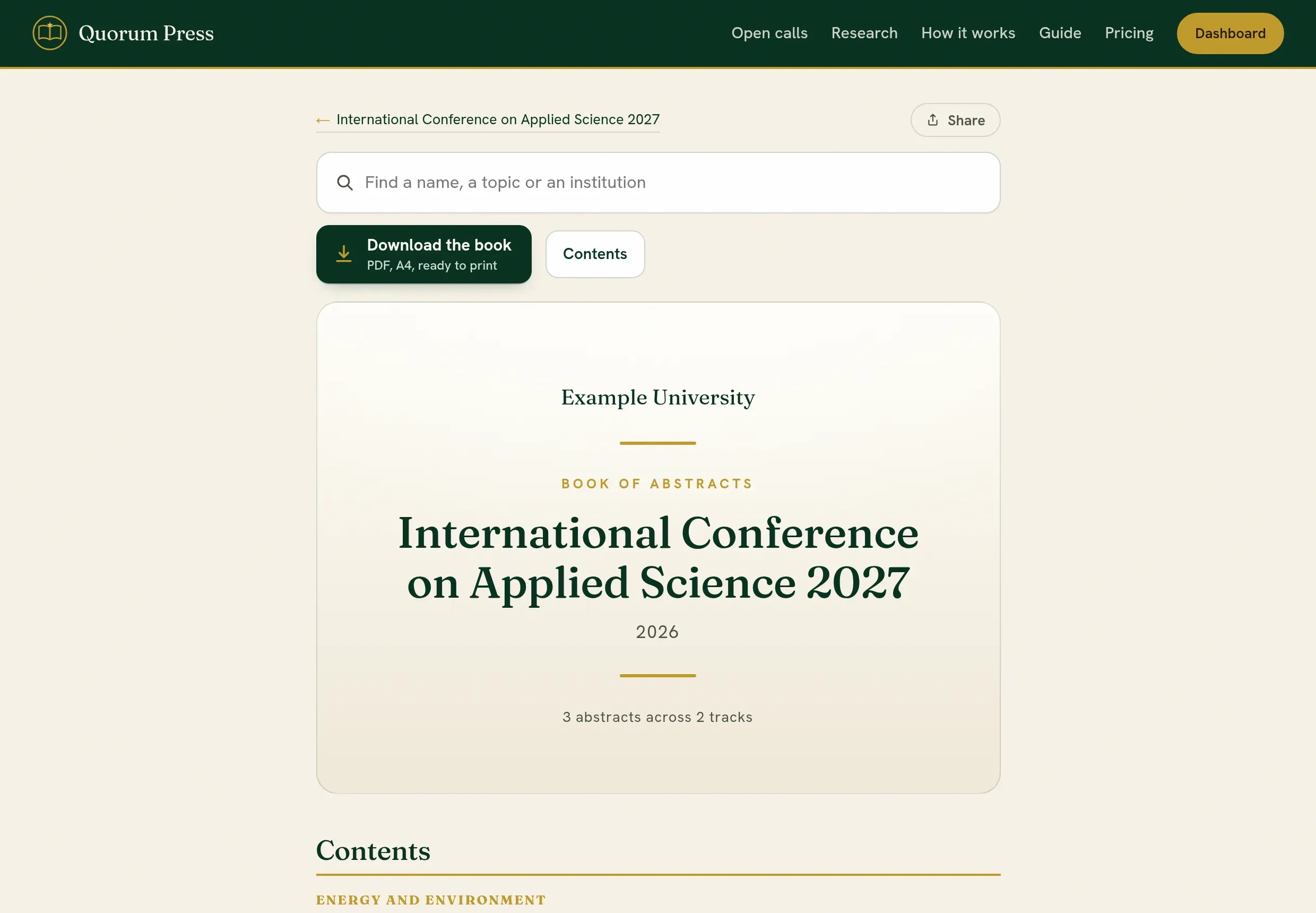
In a book of abstracts, use Search to find a title, an author or a topic, or choose a track from the contents. Each entry has its own link, and the whole book has a Share control at the top.
Vote in a book of abstracts
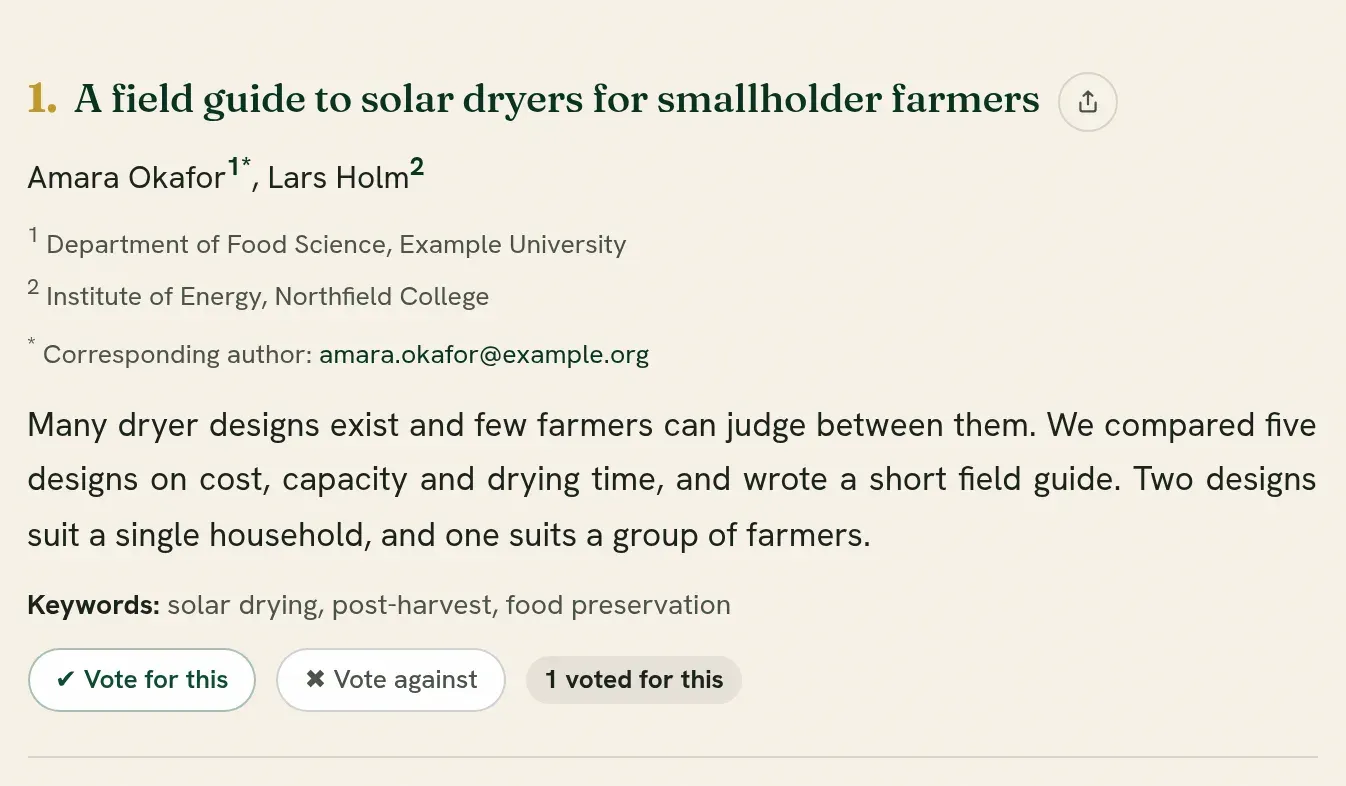
Section titled “Vote in a book of abstracts”Some events ask readers to vote on the entries of their book, for example to choose an award. Where votes are taken, each entry carries the control.
-
Open the book and find the entry.
-
Press Sign in to vote under it, if you are not signed in. After you sign in you are brought back to the same entry.
-
Press Vote for this. The button says Voted.
-
To take it back, press Undo, which appears beside your vote.
Where the organizers show the totals, each entry says how many votes it has so far, in words: 12 voted for this, or No votes yet. It counts votes for the entry only. Votes against are seen only by the organizers and are not in it. Where the number of votes each reader has is limited, the row also says how many you have left.
Good to know:
- The organizers choose how many votes each person has. By default you may vote for as many entries as you like, once each.
- You cannot vote for your own work.
- Nobody sees who voted for what.
- When the organizers close the vote, the control says so.
Attend a conference
Section titled “Attend a conference”If you are a participant, the conference’s page holds its programme. Your badge and your certificate of participation come from the organizers, who release them when they are ready.
Quorum PressOpen callsRead researchSomething missing or wrong here? Tell us