
Editors and organizers
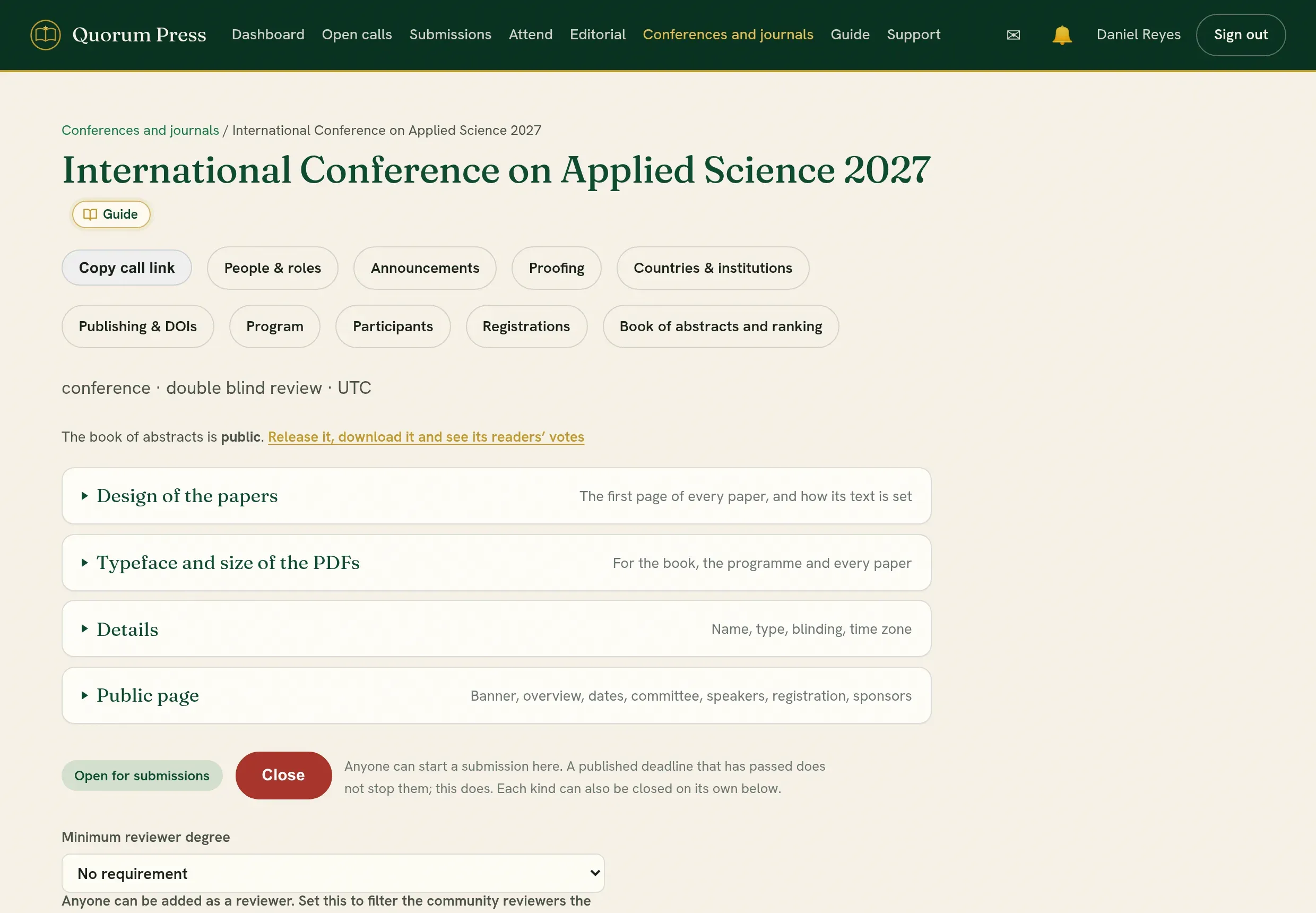
Anyone can start a conference, a journal or a workshop and become its organizer. Everything for one conference or journal is reached from its own page, under Conferences and journals.
The path
Section titled “The path”| Step | What you do | Page |
|---|---|---|
| 1 | Create the conference or journal and add your team. | Set up and open a call, People and roles |
| 2 | Open the call and share its link. | Set up and open a call |
| 3 | Watch what arrives, and check each submission yourself first. | The editorial board, Check a submission before review |
| 4 | Assign two or three qualified reviewers to each submission. | Assign reviewers |
| 5 | Read the reviews and decide. | Decide |
| 6 | For a conference: fees, the programme, badges, the book. | Registration, Programme, Book of abstracts |
| 7 | Correct names, affiliations and spelling before anything is printed. | Proofing and Put it right |
| 8 | Publish the accepted work. | Publish |
Send back, hold or deleteFor a submission that does not belong, or that needs to wait.
Talk to authorsOne conversation for each submission, kept with it.
Downloads and reportsLists, summary reports and a full archive of your event.
OrganizationsRun several conferences and journals under one name and one plan.
Good to know before you start
Section titled “Good to know before you start”- Nothing is public until you release it. The programme and the book of abstracts each have their own release control.
- Authors, reviewers and readers never pay Quorum Press. A registration fee, if you set one, is paid to you directly.
- You cannot handle your own submission. If you are an author of a submission on your own call, you cannot assign its reviewers, decide it or publish it. Opening it takes you to your author view. A colleague with the editor role handles it.
- Every action is recorded. Decisions, changes and deletions are kept in the history of the conference or journal.
Quorum PressOpen callsRead researchSomething missing or wrong here? Tell us