
Alerts and messages
Alerts
Section titled “Alerts”Alerts is where assignments, decisions and replies arrive. Each alert opens the page it is about. On the same page you choose what you are told about and how: in the app, by email, or on your phone.
What is emailed, and how often
Section titled “What is emailed, and how often”- What happens to you is sent at once: a decision on your own work, a receipt when it is submitted, a change to your authorship, an invitation to review, and anything about your account. These are not held back and cannot be switched off.
- Activity at the conferences and journals you help to run waits for a summary, every three days unless you choose otherwise. It names each thing and leads to it. It leaves out what you have already opened in the app and what has been decided since, so it is about what still needs you. When nothing needs you, nothing is sent. Under Notifications, choose how often: As it happens, Daily, Every 3 days, Weekly on the day you pick, Every so many days from 2 to 30, or Off. A review of your own coming due is still mentioned on the days it is worth saying, whichever you choose.
- A review of your own is mentioned in the summary a week, three days and a day before it is due, and one, three and seven days after. Not every morning.
- Corrections editors make to an author’s details are emailed once a day for each piece of work. The rest are in your account.
- If you do not sign in for 60 days, the summary is paused. You are told once. It starts again by itself the next time you sign in.
You can choose a summary, an email for each event, or no activity email at all.
On your phone
Section titled “On your phone”An alert on your phone says only that something happened; you open the app to see what, so nothing private shows on a locked screen. Two kinds say a little more, because they are meant to be read at a glance:
- An announcement from the organizers of an event you attend shows its words.
- A payment recorded, for the organizers and registrars who check payments, shows the amount, the tracking code of the work it is for, and the event, never anybody’s name or the title of a work. These come to the app and the phone only, not by email.
Editors are also told in the app when a reviewer declines an invitation, with the reason, so another reviewer can be found in time.
To turn alerts on for a phone or computer, open the dashboard on it: Set up this device offers Turn on alerts, beside installing the app. On Android and on a computer the browser takes alerts as it is; on an iPhone or iPad, install the app first. If you would rather not be asked, press Not now and choose when to be asked again: in a week, in a month, or never. You can turn alerts on or off for each device under Alerts at any time.
Messages
Section titled “Messages”A question about a submission belongs with that submission. A conversation is between the authors of one submission and the editors of the conference or journal it was sent to. Reviewers are not part of it and never see it.
- Authors: open the submission and use Message the editorial team.
- Editors: open the submission in the editorial board and use Message the authors.
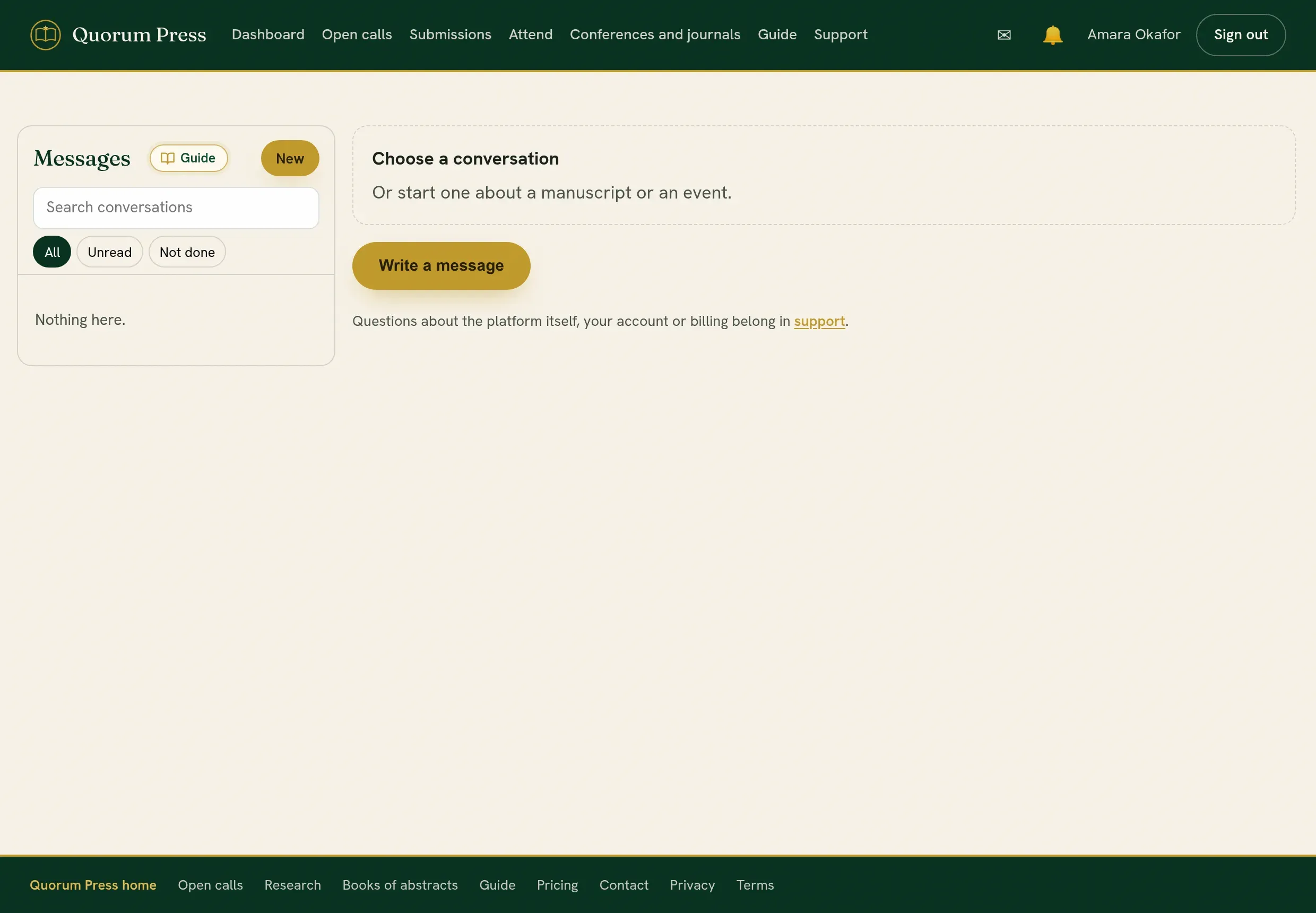
Everything you are part of is in Messages, with unread conversations marked.
| Action | What it does |
|---|---|
| Mark as done | Closes the conversation for now. Either side can reopen it by writing again. |
| Mark unread | Puts it back among the unread, to come back to later. |
Messages or Support?
Section titled “Messages or Support?”| Use | For |
|---|---|
| Messages | Anything about one submission: its progress, a correction, a deadline, a payment for it. It reaches the conference or journal. |
| Support | The platform itself: your account, signing in, something that looks broken. It reaches Quorum Press, not your conference. |
Quorum PressOpen callsRead researchSomething missing or wrong here? Tell us