
Reviewers
A review helps the editors decide and helps the authors improve their work. Anyone can be invited to review. You can also offer: tick Available to review in Your profile, and editors of any conference or journal can invite you.
Your path
Section titled “Your path”| Step | What happens | Page |
|---|---|---|
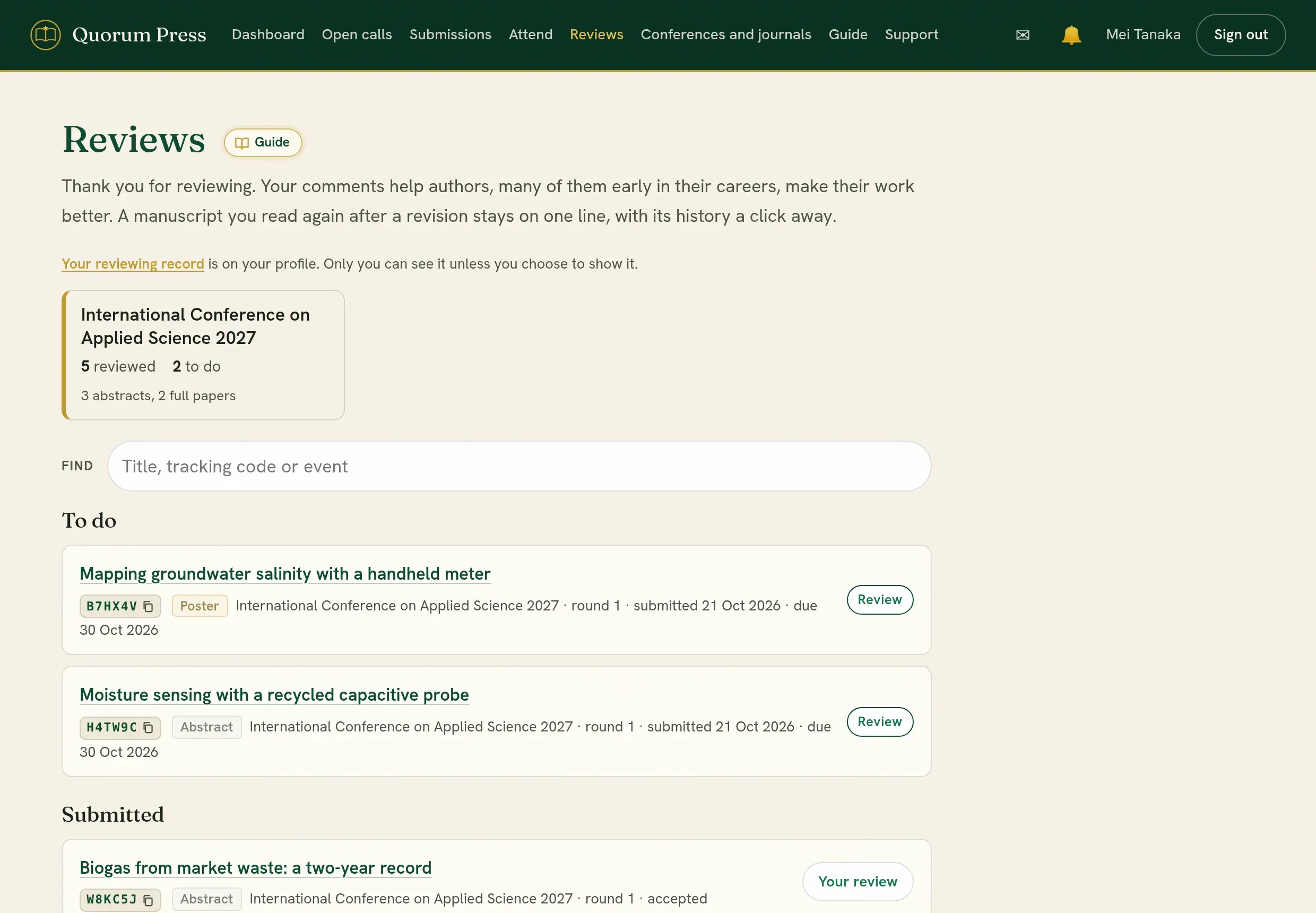
| 1 | An editor assigns you a submission. You are told by email and by an alert. | |
| 2 | Open it from Reviews, read it, score it and write your comments. | Complete a review |
| 3 | Send the review. The editors decide when the reviews are in. | |
| 4 | If the authors revise, you are asked to look again. | Later rounds |
Write a good reviewWhat editors and authors need from you, with wording that helps.
Decline, and conflicts of interestWhen to say no, and how.
What the authors see, and when
Section titled “What the authors see, and when”| Part of your review | Who sees it | When |
|---|---|---|
| Scores and your notes on them | Authors and editors | After the editors decide the round |
| Comments to the authors | Authors and editors | After the editors decide the round |
| Recommendation | Authors and editors | After the editors decide the round |
| Notes you attach to passages | Authors and editors | After the editors decide the round |
| Comments to the editors | Editors only | Never shown to authors |
| Confidence | Editors only | Never shown to authors |
| Your name | Editors. Authors only when the call reviews in the open. |
What you see of the authors
Section titled “What you see of the authors”On a call that reviews without names, the authors’ names, affiliations, contributions, funding and acknowledgments are kept from you. The page says so at the top of the submission.
Your reviewing record
Section titled “Your reviewing record”Your profile counts the reviews you have completed. Only you can see it, unless you choose to show it on your public profile. It never names what you reviewed.
Quorum PressOpen callsRead researchSomething missing or wrong here? Tell us